01
Script & episodes
Start with one line, an outline or a finished script, then build continuous episodes, scenes and dialogue.
AI short-drama creation and video tool
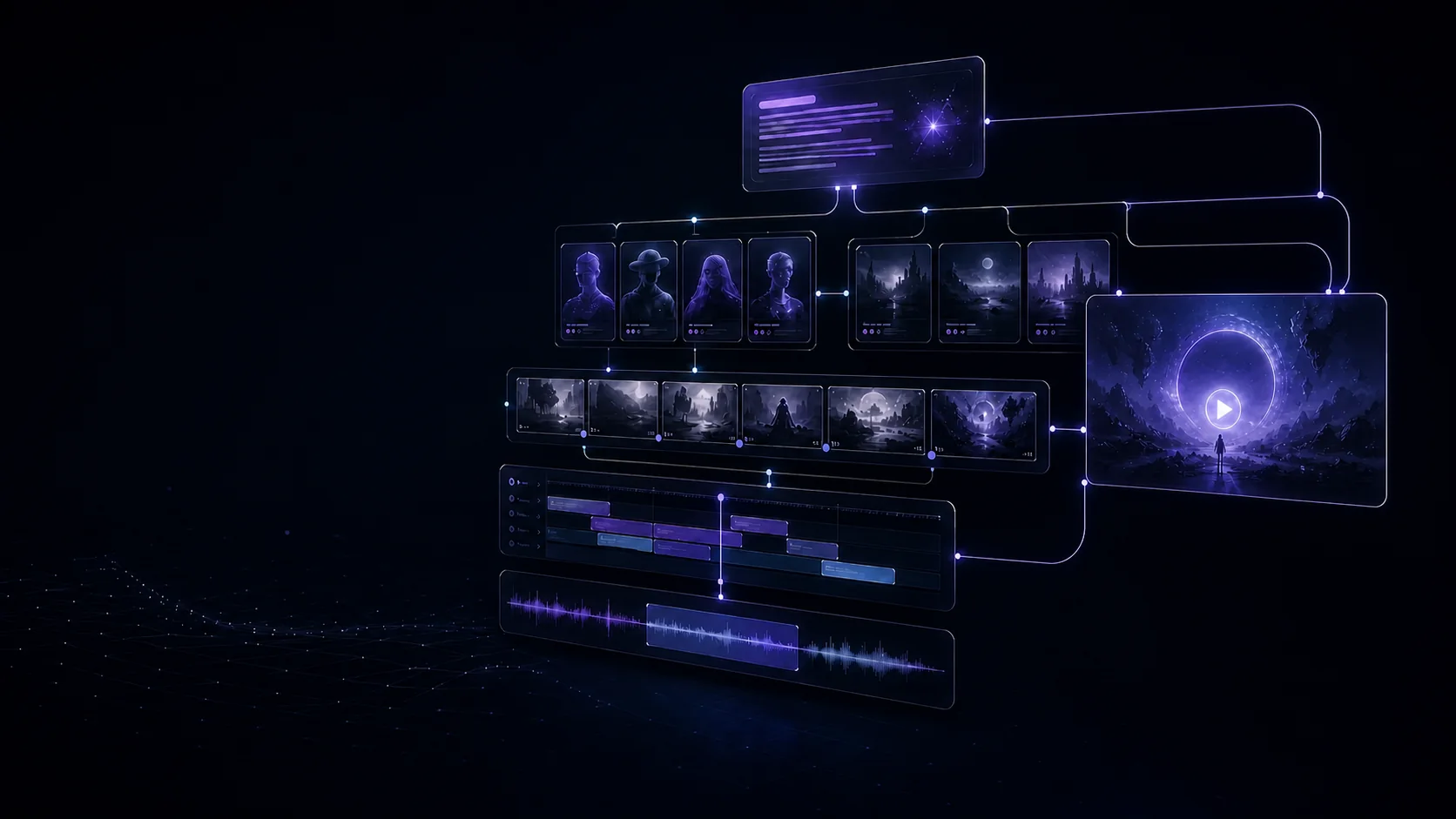
Reel is an AI creation tool that turns text into a finished video. Start with one idea, an outline or a full script, then generate episodes, cast, locations, storyboards, native-audio video and the final cut — with every step still editable.
Get 500 credits at signup. No card — finish a draft episode before you decide.
Use the AI tool now
Enter one idea, paste an outline or upload a full script, then choose the visual style, aspect ratio and episode count. AI starts generating from there, and every later step remains editable.
Estimate: about 13 narrative calls · from $1.35 · 8–33 minutes. Actual cost and time depend on script length and targeted repairs.
How the AI tool works
The tool remembers the previous scene, wardrobe, prop positions and the purpose of each shot, then passes that information into the next generation task. Episodes, storyboards, images, video and assembly share one project context to reduce retries and continuity errors.

Infinite canvas
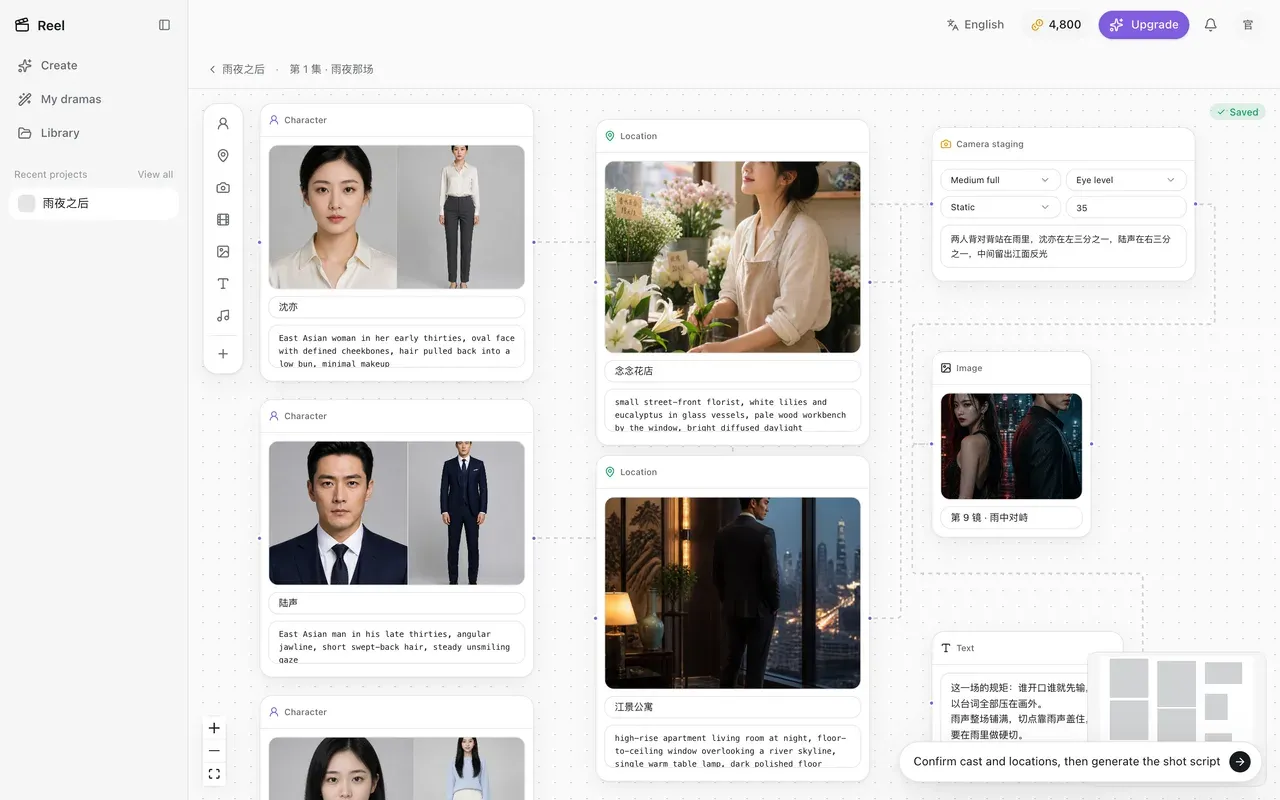
The infinite canvas is Reel's visual editing tool. Drag scripts, cast, locations, references, storyboards and generated results into one space, connect their relationships, then sync them directly into later generation tasks.
Director review & intelligent repair
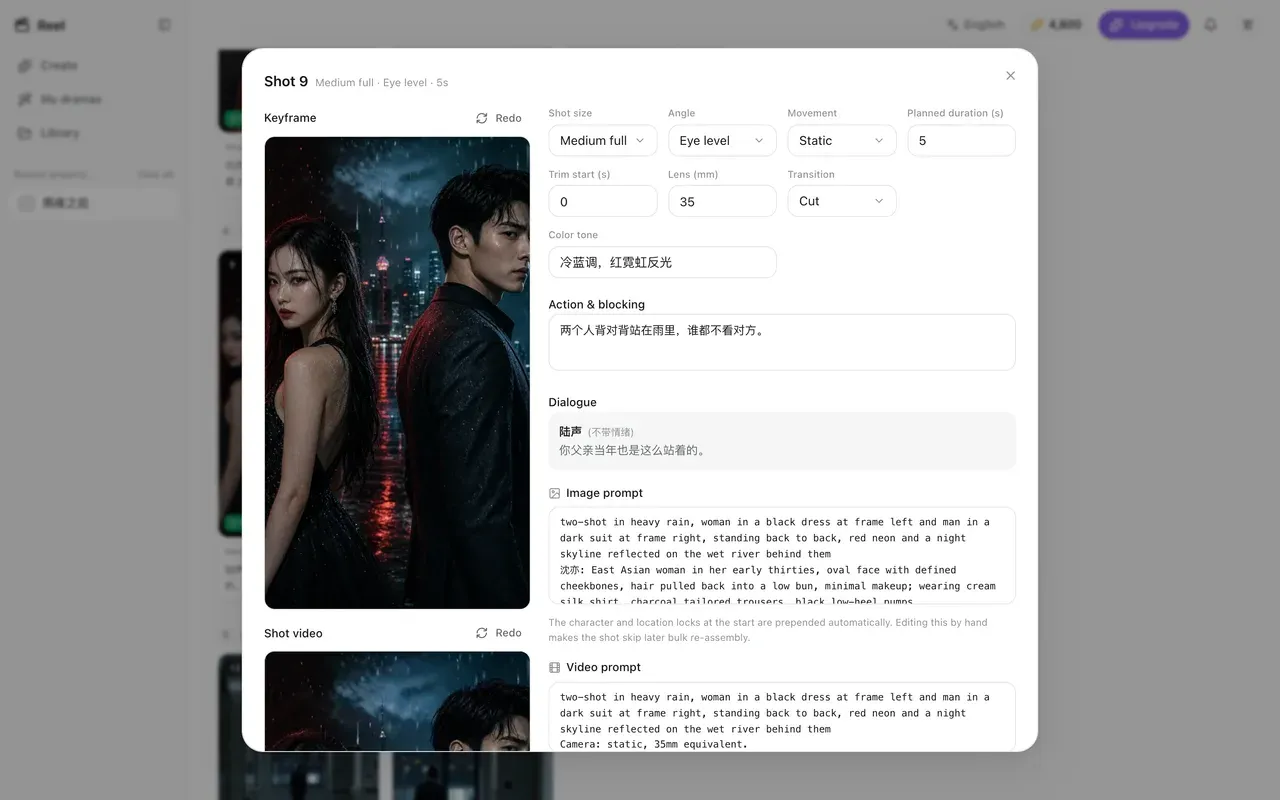
Reel does more than call a model and return a result. It analyses each output for composition, identity, continuity and dialogue problems, then adjusts the prompt and regenerates automatically — or pauses for your approval in human-review mode.
Native dialogue first
The tool automatically assembles cast, emotion, speaking order and exact lines into the video prompt. It preserves synchronous model-native audio and natural lip movement first, then uses dubbing and ADR as a fallback for localisation or repair.




Project-level consistency
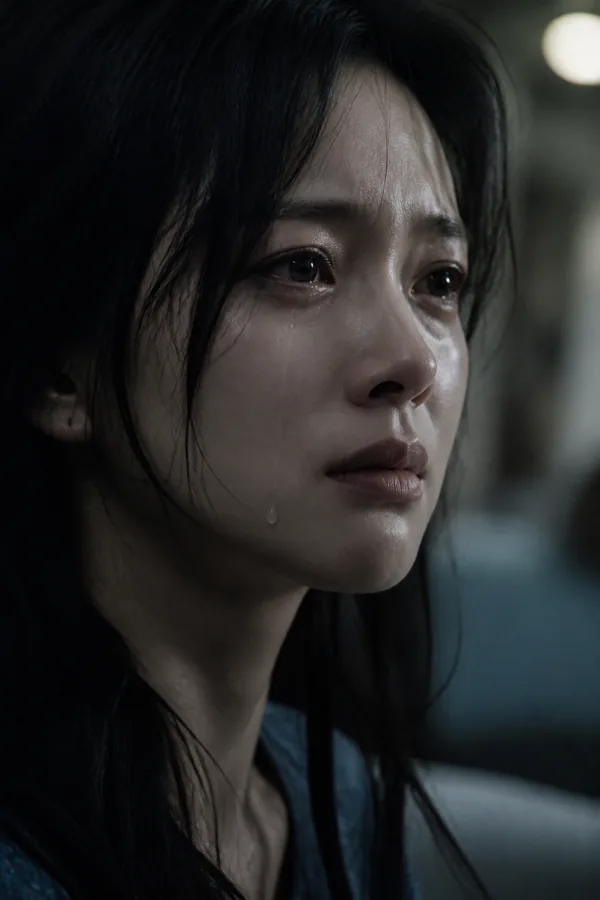
The tool locks face, build, hair, wardrobe and age as structured identity traits. Every later generation task carries the same cast and location references, while AI director review continues to catch visual drift.



A complete AI creation tool
Let AI process a complete episode automatically, or open any shot to edit parameters, prompts and generated results.
Start with one line, an outline or a finished script, then build continuous episodes, scenes and dialogue.
Extract people, places, wardrobe and props into reusable project assets and consistency baselines.
Organise scripts, assets, references, shots and generated results in one space that preserves every relationship.
Review composition, identity, action, continuity and dialogue per shot, then repair automatically or ask a human.
Generate lines inside the performance and preserve synchronous native audio; use voice, ambience and music for localisation and repair.
Assemble shots, mix audio, create subtitles and transitions, then deliver multilingual vertical or landscape masters.
Start using Reel
Get 500 credits at signup. Start with a draft episode and try AI script generation, automatic shot breakdown, director review, video generation and one-click export.
Start creating free